Here we will see how to configure the web3 extension.
¶ Installation
-
Go to the Rabby website
-
Download and add the extension to the web browser
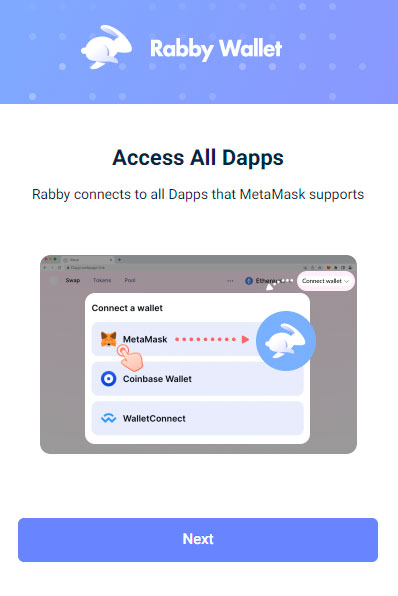
When you first click on the extension it will show you that you can access all dapps that support Metamask and that it's self-custodial.
Then you can create a new seed phrase, import other wallets, or connect to hardware wallets.
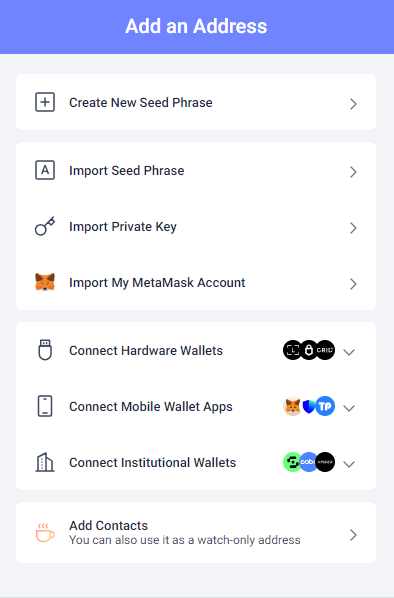
Please select the option you want, here we will select Create New Seed Phrase.
It will ask you to Set a Password, then, it will reveal a new seed phrase.
After writing down your seed phrase, Rabby will show you several addresses that you can select to add to the wallet.
After clicking the Done button, you will need to select Rootstock network.
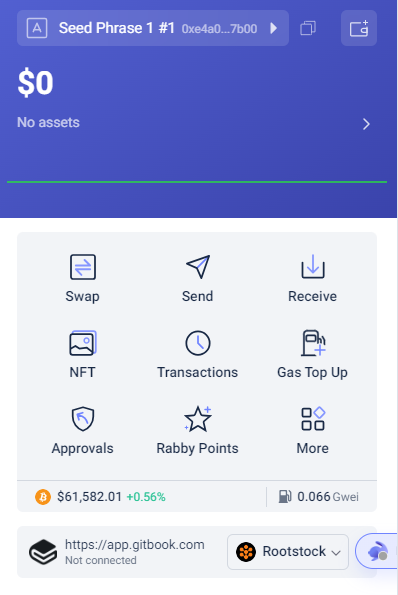
Now you can connect to dapps over the Rootstock network like Money On Chain.
In Advanced Settings, you can configure the Gas Limit.
Additionally, immediately below, the Gas Price appears, which is also configurable.
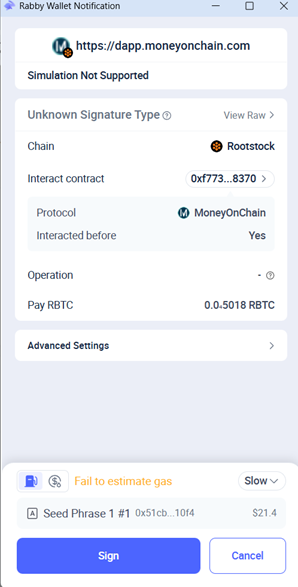
It offers the following options: Normal, Fast, Instant, and Custom (for those who wish to customize this value).
To check the Gas Price, press the drop-down button on the right and select the option you think is appropriate.
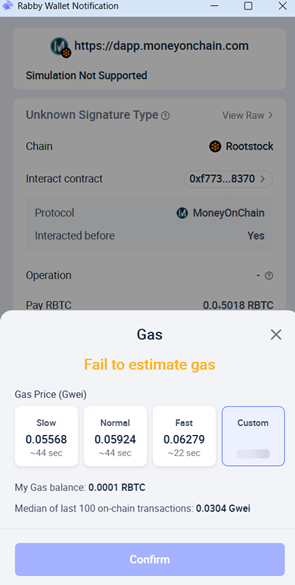
In the case that the transaction shows gas error. Try changing the Gas Limit to 900,000 and/or lowering the Gas Price.
Rabby informs the median of last 100 on-chain transactions as a reference.